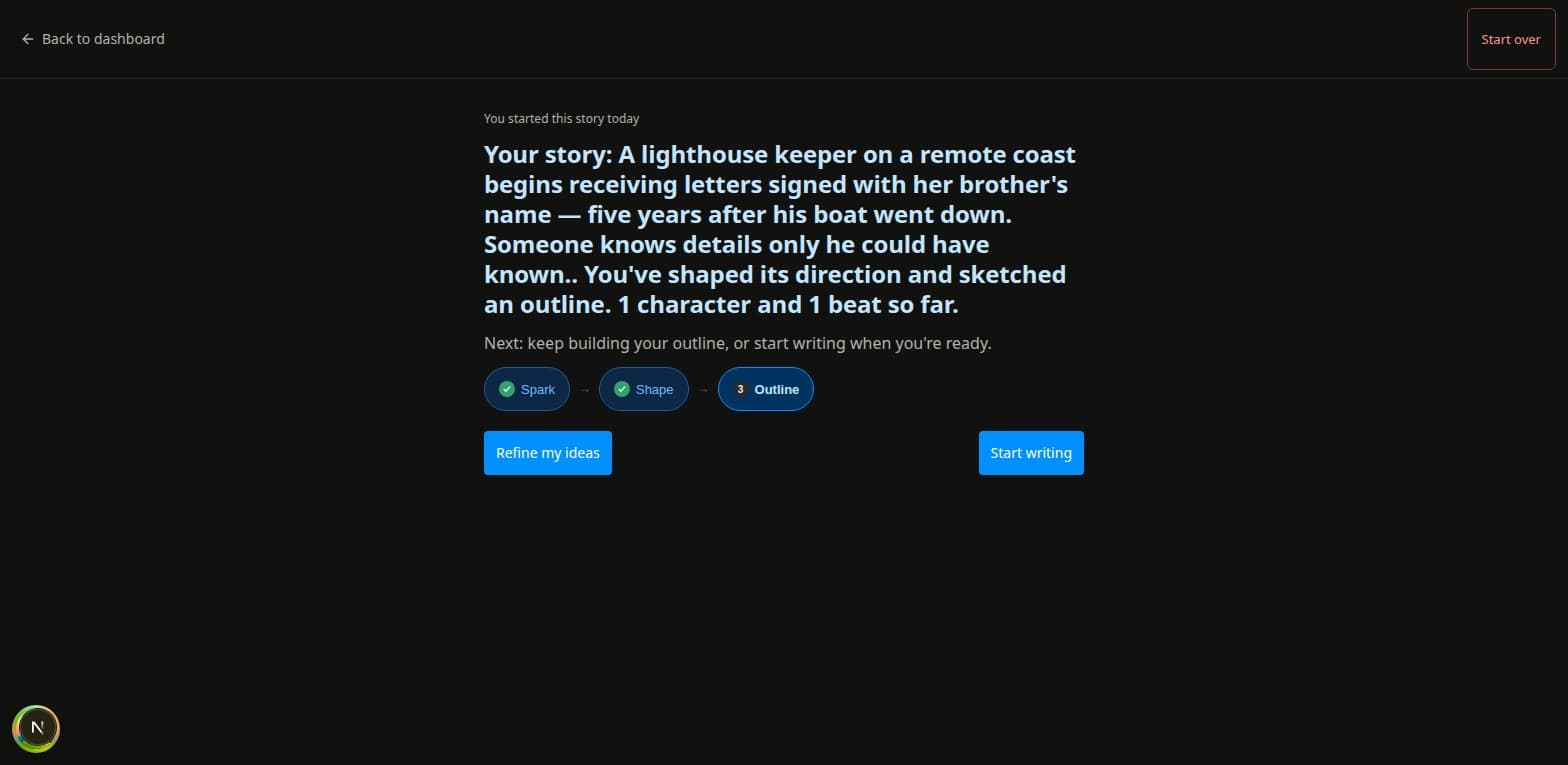
“You planted a clue in chapter 3. By chapter 22, you've forgotten what it meant.”
The foreshadowing manager holds every plant, open, unresolved, or abandoned, at a glance.
The novel writing app that tracks what you plant, what your characters know, and when things actually happen. Nothing slips through the draft — and when a chapter's ready, publish it straight to your readers.
No credit card. No install. Works in any browser.
What writers actually need
“You planted a clue in chapter 3. By chapter 22, you've forgotten what it meant.”
The foreshadowing manager holds every plant, open, unresolved, or abandoned, at a glance.
“Your character learns something in chapter 8 that they couldn't possibly know until chapter 14.”
See what your point-of-view character knows in each scene, based on what you've marked.
“Your timeline is spread across three spreadsheets, a notebook, and your memory.”
One timeline. Narrative order and story chronology, side by side. Always current.
What nothing else has
Select any passage in your manuscript and register it as a plant. Give it a category (a physical object, a character detail, a motif, a world fact). Mark it as open, resolved, or abandoned.
The foreshadowing manager shows every thread you've laid down, in one place, always. Nothing slips through a 200,000-word draft.
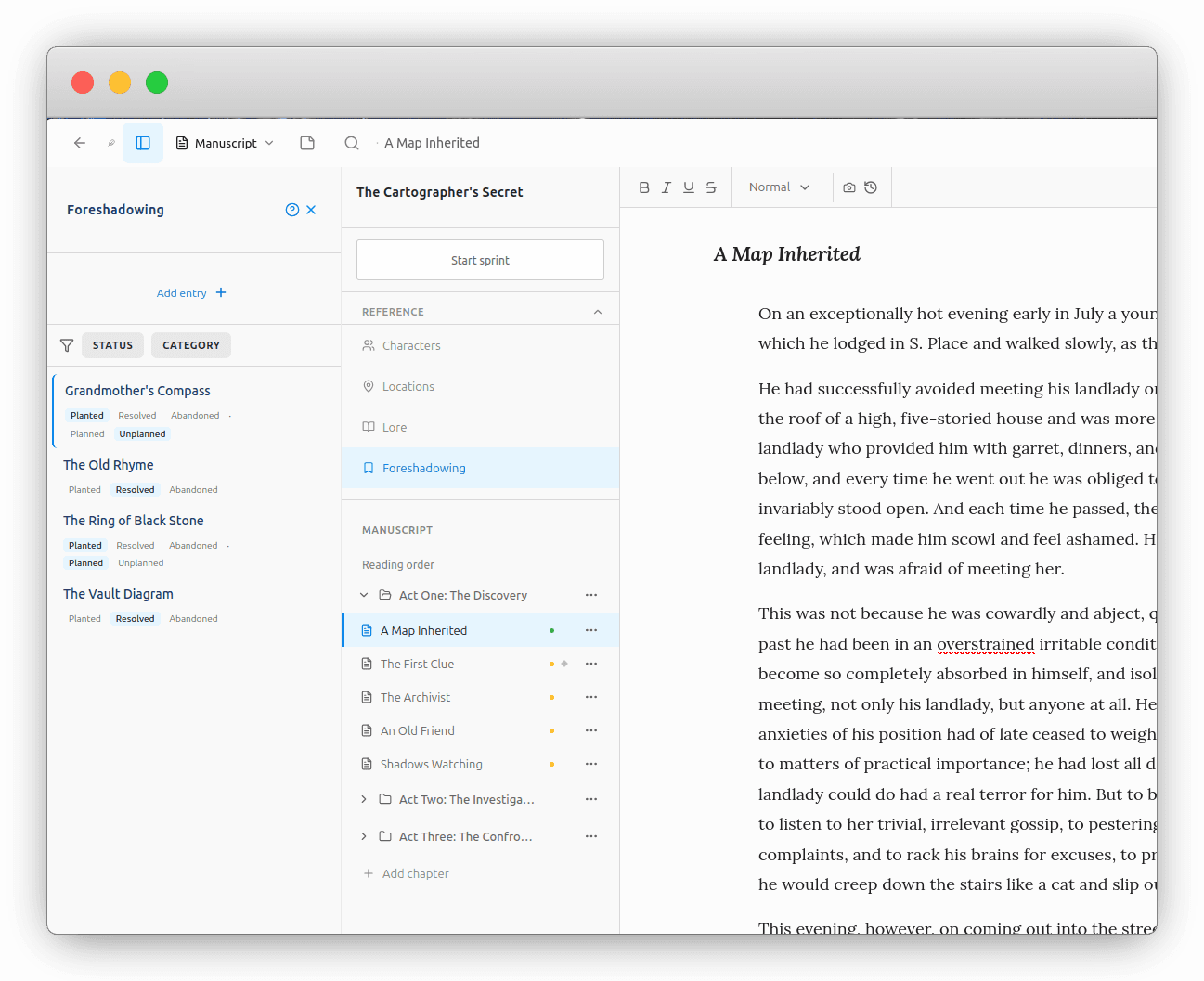
Most timelines show scenes in the order readers encounter them. That's narrative order.
But the order events actually occurred in your story's world (its story chronology) is often completely different. Chaptered shows both tracks simultaneously, with lines connecting each scene's narrative position to its chronological position.
For writers working with flashbacks, unreliable narrators, or non-linear structure, this is the view that makes everything clear.
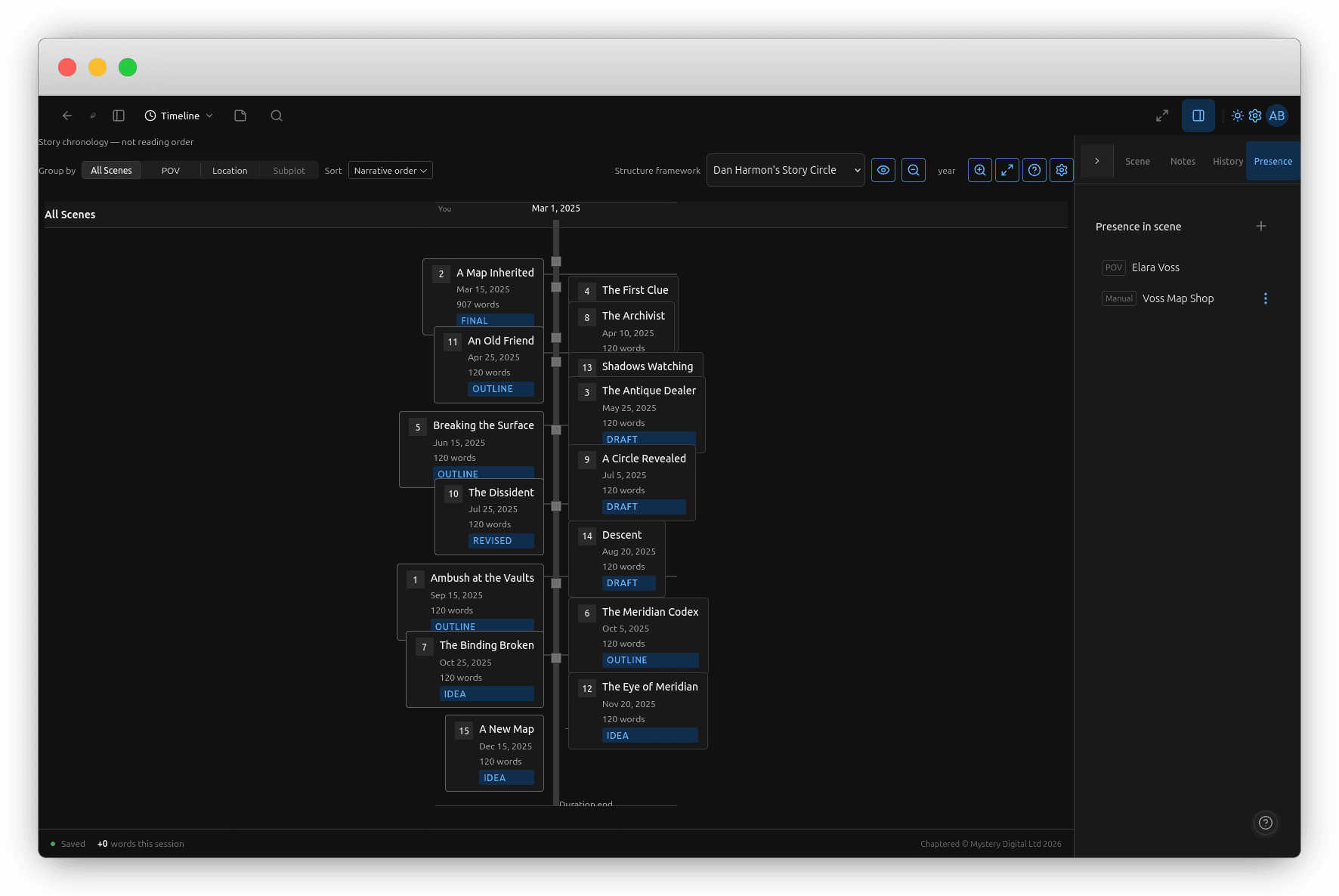
Every time you write a character's name or mention a location, Chaptered notices. In the background, it builds a complete map of who appears where, across every scene, every chapter.
No manual tagging. No scene-by-scene association. Open any character profile and see every scene they appear in. Click to jump straight there.
Everything else you need
Every planning view. Plotters and pantsers both at home.
Rows for plotlines, columns for scenes. See your whole structure at once.
DOCX on every plan; EPUB and PDF on paid plans. Manuscript and self-publishing files, one click.
Write on any device. Your work is always safe.
Automatic snapshots. Name and restore any draft state.
Share with your editor or co-author. Role-based permissions.
Set targets, track sessions, mark rest days. Build the habit.
Powered by LanguageTool. Real-time, multi-language.
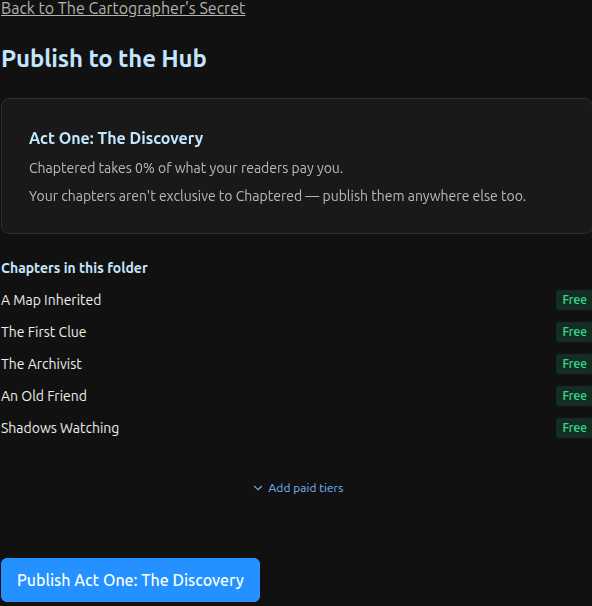
Chaptered has a built-in reading surface: the Hub. Publish a chapter and it appears there immediately, with a beautiful, typeset reading experience — where readers browse and discover authors as they write.
Connect your Patreon. Gate early chapters behind membership tiers. Free chapters for everyone else. No third-party tools, no manual copying and pasting.
Your published work only updates when you choose. Live edits stay private until you push a new snapshot.
Pricing
Try before you commit.
The full planning suite for serious writers.
All Free features, plus:
Publish, earn, and build your readership.
All Craft features, plus:
Switch plans anytime. Your data is never deleted.
Questions
Yes. Import a Scrivener project and your binder, manuscript text, synopses, notes, labels and snapshot history come across. Your original file is never modified.
Yes. DOCX export is on every plan, and EPUB and PDF are on the paid plans.
Switch plans anytime. Your data is never deleted.
No. Your content is never used to train AI models. Ever.
Start your first project in under two minutes. No credit card. No install.
Start writing freeAlready have an account? Sign in →
Chaptered is new, and we're building it with our first writers. Tell us what you need →